Getting startedLesson 3 of 4
Creating a Payoneer account, step by step from sign-up to document verification
Sir Zakria Afzal's Create Payoneer Account class, opening the account, the business information to give for an Etsy seller, identity verification with a selfie, and bank and address proof.
- Status
- stable
- Trust
- human-reviewedHuman: Ahmed Raza ·
This whole document is from the Create Payoneer Account class of Sir Zakria Afzal's Etsy course.
Important
Follow this pattern one step at a time, so that the account is created properly.1
Part 1: open the account
- Go to the Payoneer website and click Open an account.
- If you do not have a business email, give your personal email. A code will come to your email; paste that code.
- If your business is not with a government tax authority, click No, and select your country.
- Give your WhatsApp number, click the WhatsApp code option, and write the code that comes.
- Make a password, and your Payoneer account is simply made.1
Part 2: business information
Now all the bank-related information has to be given, starting with the business:1
| Question | What to select in the class |
|---|---|
| Business type | Graphic and Digital Design |
| Where payments will come from | Click Marketplace, then select Etsy |
| Transactions per month | Tick 0 to 20, and select up to $500 |
| Business URL | Give your business's URL |
| Where most of the business comes from | North America, because most business comes from there |
Part 3: about you and identity verification
- In About you, give your personal details.
- Then get your ID verified with a selfie. This verification can be done from mobile or desktop.
- When the verification is done, give your name in English and also in your local language, that is Urdu.
- Then give your physical address.1
Part 4: bank and address proof
- Give your bank account information, including the currency, bank name and so on.
- Then Payoneer will ask for documents that verify your address. You can get it verified through a bank statement.1
Class infographic
Class infographicTap the image to zoom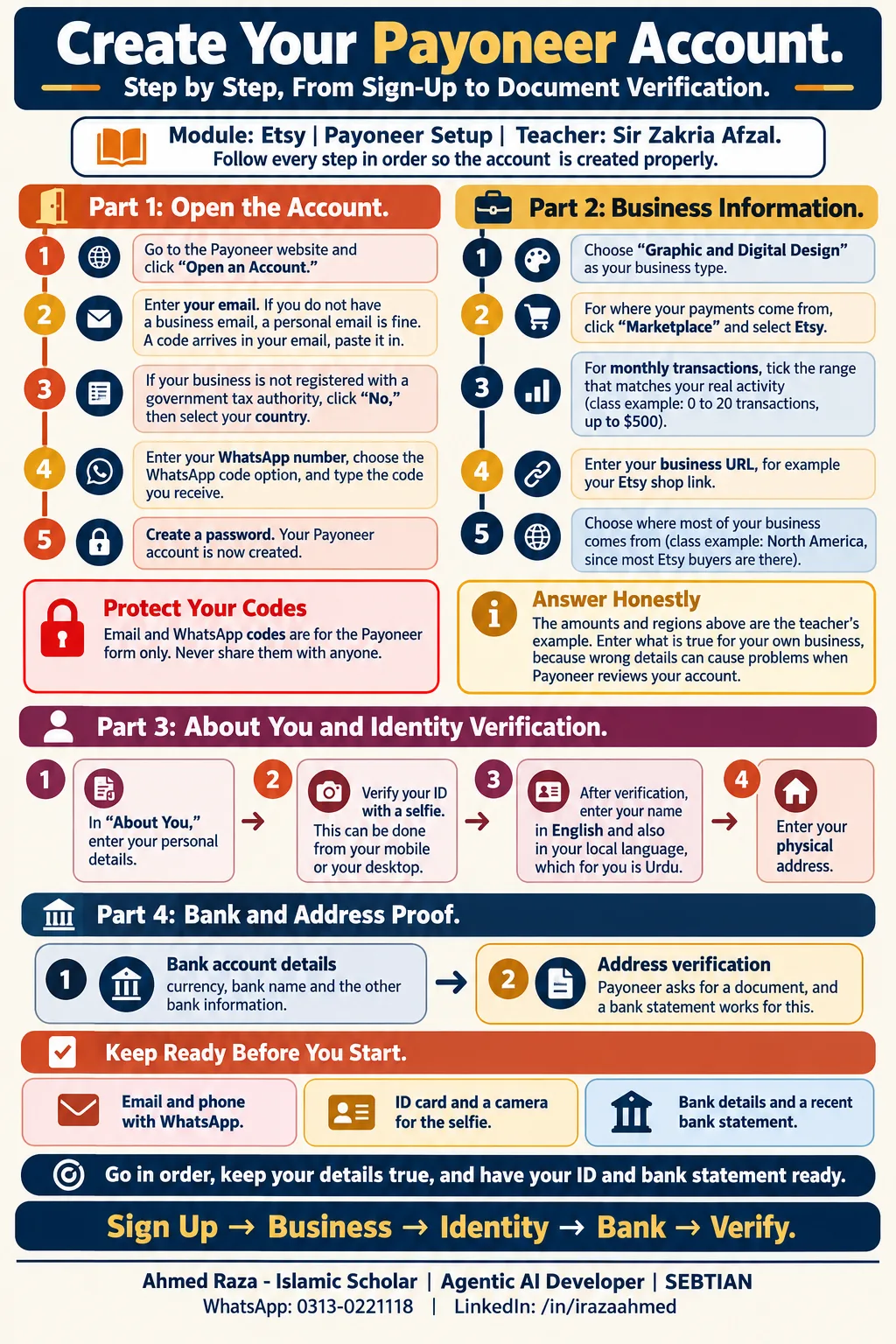 Creating a Payoneer account, step by step from sign-up to document verificationOpen full size
Footnotes
More in this chapter3
- LessonKeeping a new Etsy account from getting suspendedHow to prepare an Etsy account before applying for a seller account, connection checks, a browsing-in period, and the "one person, one laptop, one ID" rule.Read lesson
- LessonCreating an Etsy shopHow to set up an Etsy account correctly for a Quick Skills (Etsy) shop: buyer signup, seller conversion, country/currency, shop naming, and account security.Read lesson
- Lesson40 free Etsy listings: the referral link that rewards both sidesSir Zakria Afzal's Free Etsy Listing class, the Etsy invite link that gives 40 free listings to the person who shares it and 40 to the person who joins through it.Read lesson
Creating an Etsy shop
How to set up an Etsy account correctly for a Quick Skills (Etsy) shop: buyer signup, seller conversion, country/currency, shop naming, and account security.
40 free Etsy listings: the referral link that rewards both sides
Sir Zakria Afzal's Free Etsy Listing class, the Etsy invite link that gives 40 free listings to the person who shares it and 40 to the person who joins through it.